
More time with the photographs.
Photo Studio brings photo collections, review, style previews, and batch preparation into one local workspace. It connects with Lightroom Classic while keeping original photographs in their existing locations.
See the look before the batch.
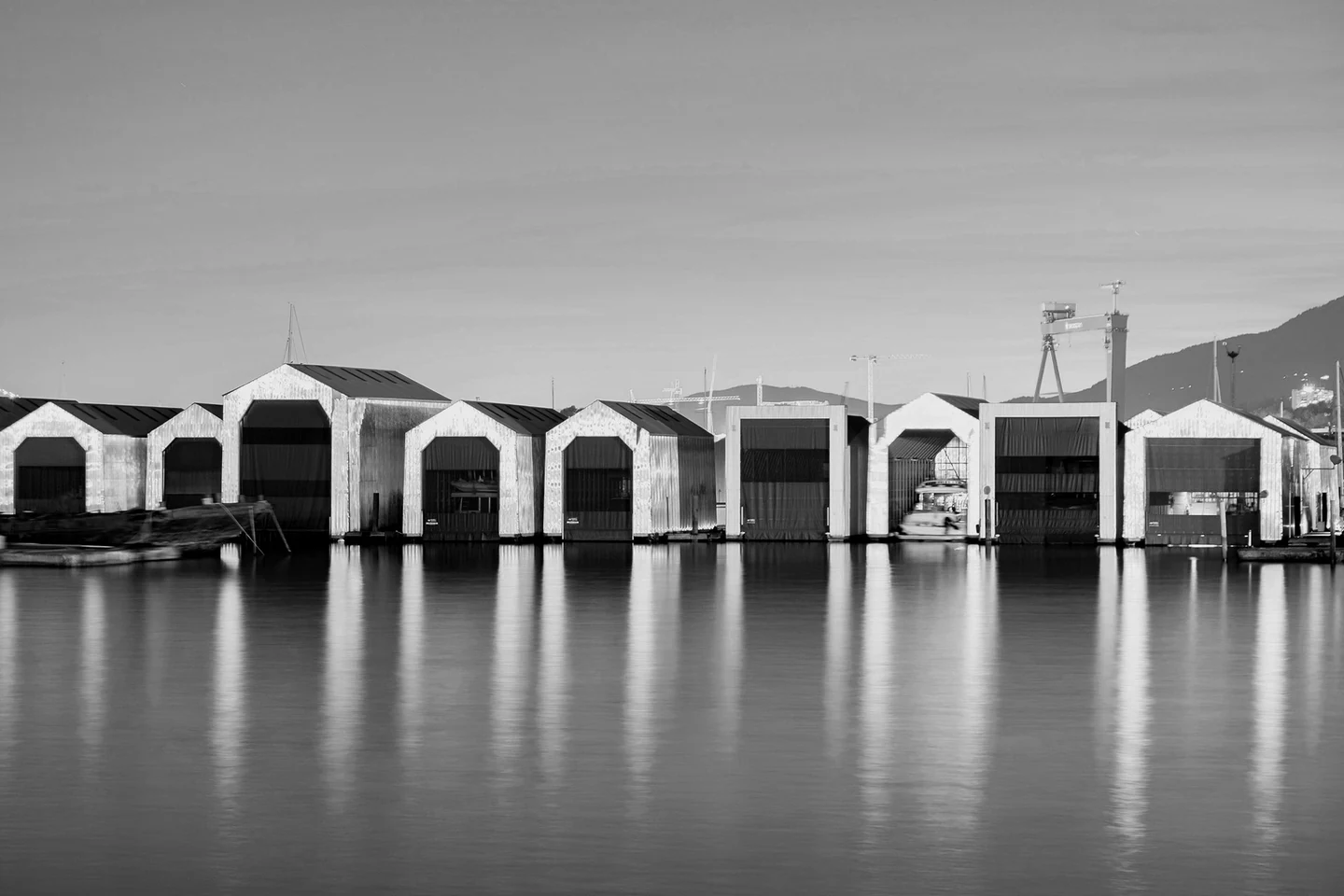
A waterfront photograph becomes the starting point: compare its colour with a monochrome preview, then decide how to approach the collection.
- Choose a photograph
Import folders or reference a Lightroom catalogue, then browse and review photographs together.
- Compare the style preview
Keep a library of styles and preview a small selection before applying a batch.
- Review before applying
Keep manual selections, crop, rotation, perspective, and existing masks in the style workflow.
One photograph. Two interpretations.
Move across the photograph to compare colour with the monochrome style preview.

Windows desktop application. Lightroom editing uses Lightroom Classic and its connected bridge.
Next project